Presentation Technologies for Shortlist Interviews: Choosing Tools That Fail Gracefully

Shortlist interviews are won and lost in a window of twenty to forty minutes, and technology can shorten that window without anyone noticing. A frozen laptop, a mismatched aspect ratio, or an embedded video that stalls on the first slide costs the team its momentum and, more often than anyone admits, its score. PRESWERX builds presentation materials for A/E/C firms, and the lesson from that work is consistent. The best tools are the ones that keep working when something around them breaks, and a team that plans for failure presents with more confidence than one that trusts the setup.
Start With the Room, Not the Software
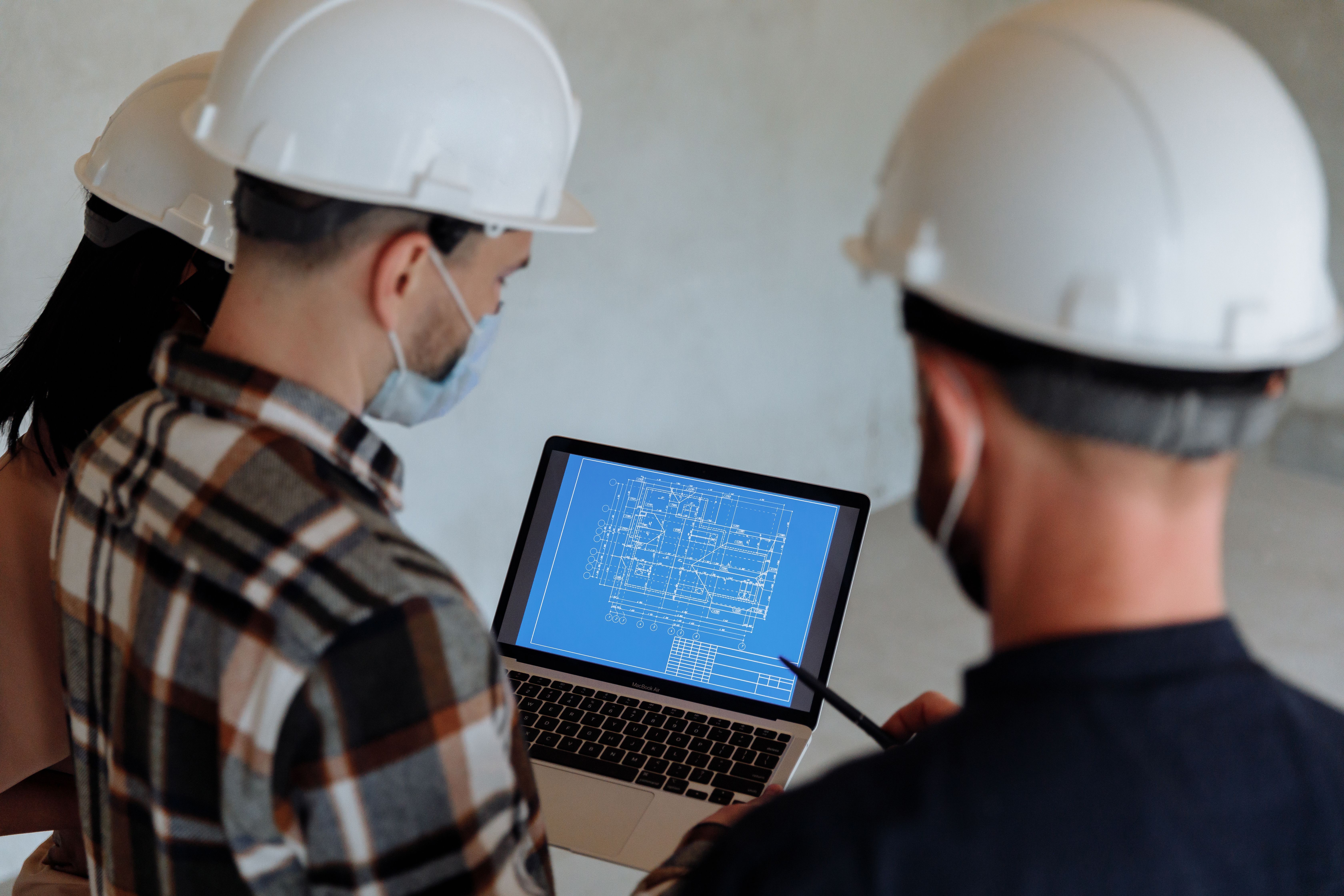
Before choosing any tool, find out what the interview room actually contains. Ask the owner what display is installed, what inputs it accepts, whether the team may bring its own screen, and how much setup time is allowed. A panel room with an older projector and a single HDMI port rewards simple files and punishes anything that depends on a network connection. Teams that skip this step build a presentation for a room that exists only in the plan and then adapt it in the hallway. A short call to the owner's coordinator a week ahead answers most of these questions and shapes every later decision about format.
Build the Fallback Before the Showpiece
Every interactive element needs a static twin. If the team plans to walk the panel through a live model, a rendering sequence, or an animated schedule, the same content should exist as exported images or a pre-rendered video on the same drive. The fallback is not an admission of doubt. It is the reason the presenter can move through the primary version at an unhurried pace. When both versions are ready, the decision about which one to use can be made in the room based on what the equipment allows, instead of being forced by a failure.
Keep Video Embedded and Local
Video links that stream from the internet are the most common point of failure in interview rooms. Public guest networks throttle, block, or require a login the presenter does not have. Export every video into the presentation file or store it beside the file on a local drive, and test playback on a second machine that has never opened the deck. Compress for the room, not for the studio. A clip that plays smoothly at modest resolution is worth more than one that looks excellent in the office and stutters on a conference room display.
Match the Visual Format to the Evidence
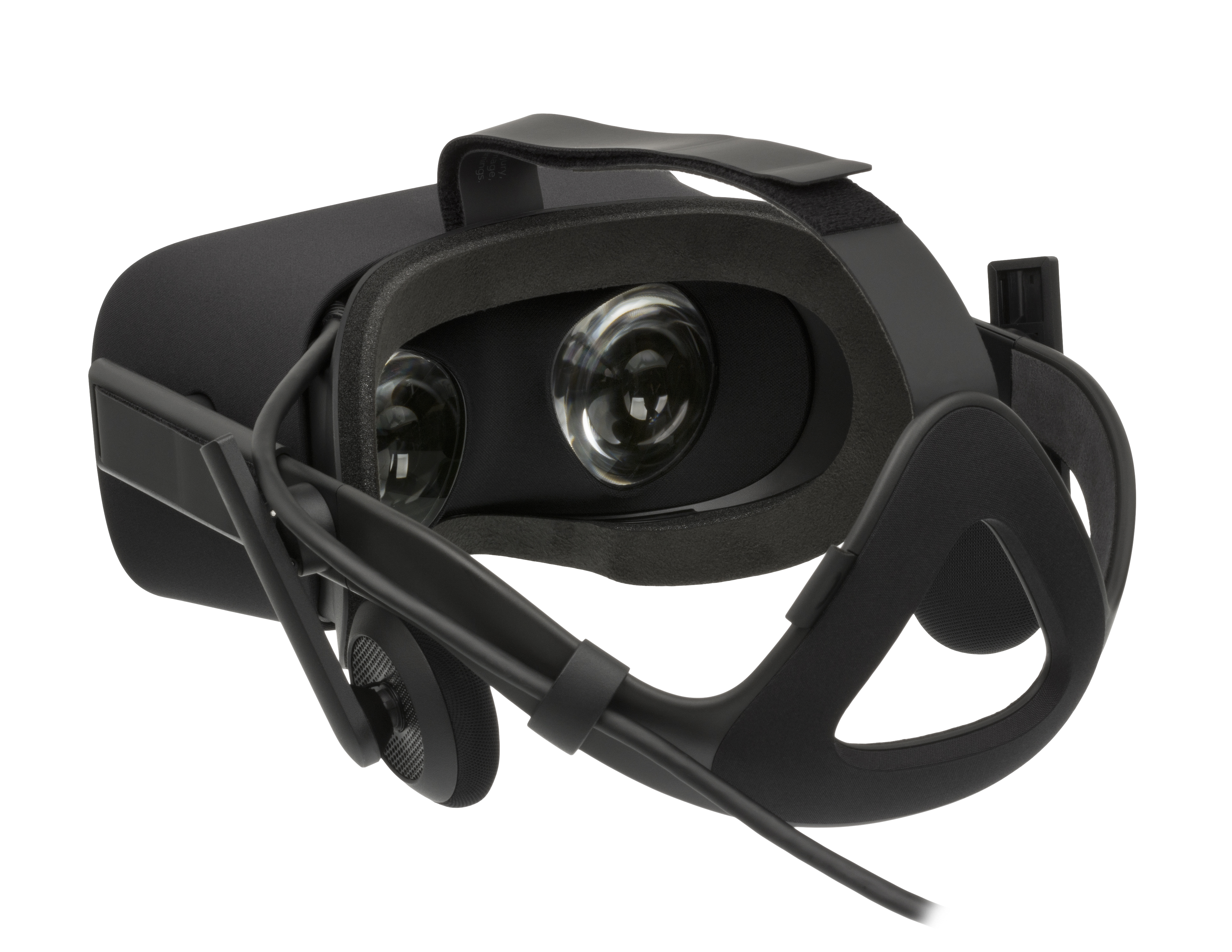
Technology choices should follow what the panel needs to understand. A virtual reality walkthrough helps a school board see circulation in a building, but it cannot be shared among six evaluators at once unless the setup is planned carefully. A fly-through animation reaches a whole room at the same moment. Static renderings work well for questions of character and materials. Choose the format that lets every evaluator see the same thing at the same time, then add technology that gives the presenter more control over where the panel looks.
Rehearse the Handoffs
Most technical problems in interviews are handoff problems. One presenter finishes, the next walks to the laptop, and the clicker pairs with the wrong receiver. Assign one person to own the equipment and one to own the clock. Rehearse the full interview twice on the same hardware that will travel, including the transitions between speakers and the moment a question requires jumping back to an earlier slide. A deck that navigates cleanly under questions signals preparation, and panels notice that even when they cannot name it.
Carry the Kit You Cannot Borrow
Pack adapters for every common connection, a spare clicker with fresh batteries, a printed copy of the deck, and the presentation on two drives in two formats. Bring a power strip and a short extension cord. None of this is glamorous, and all of it has saved an interview at one point or another. The cost of carrying a small kit is a few minutes of packing. The cost of lacking one item can be the entire opening of the presentation, spent waiting while someone searches the building for an adapter.
The Bottom Line
Presentation technology earns its place when it makes the team's argument clearer and stays out of the way when conditions change. Choose tools based on the room, build a fallback for each interactive piece, and rehearse on the actual hardware. PRESWERX helps A/E/C teams prepare presentation materials and the technology around them so the story reaches the panel intact. The aim is not a more impressive setup. It is an interview where the only thing the evaluators remember is the work.